MusicTTS
🎵 Getting Started with ElevenLabs
by DW
Welcome to ElevenLabs — a powerful yet easy-to-use platform that turns text into lifelike speech and lets you explore the world of AI-generated audio. Whether you're dreaming of composing music, narrating stories, or dubbing videos, this guide will walk you through the essentials.
🎶 Music Creation with ElevenLabs
ElevenLabs isn’t just for voiceovers — it’s a playground for audio creativity. Here's how you can use it to bring your musical ideas to life:
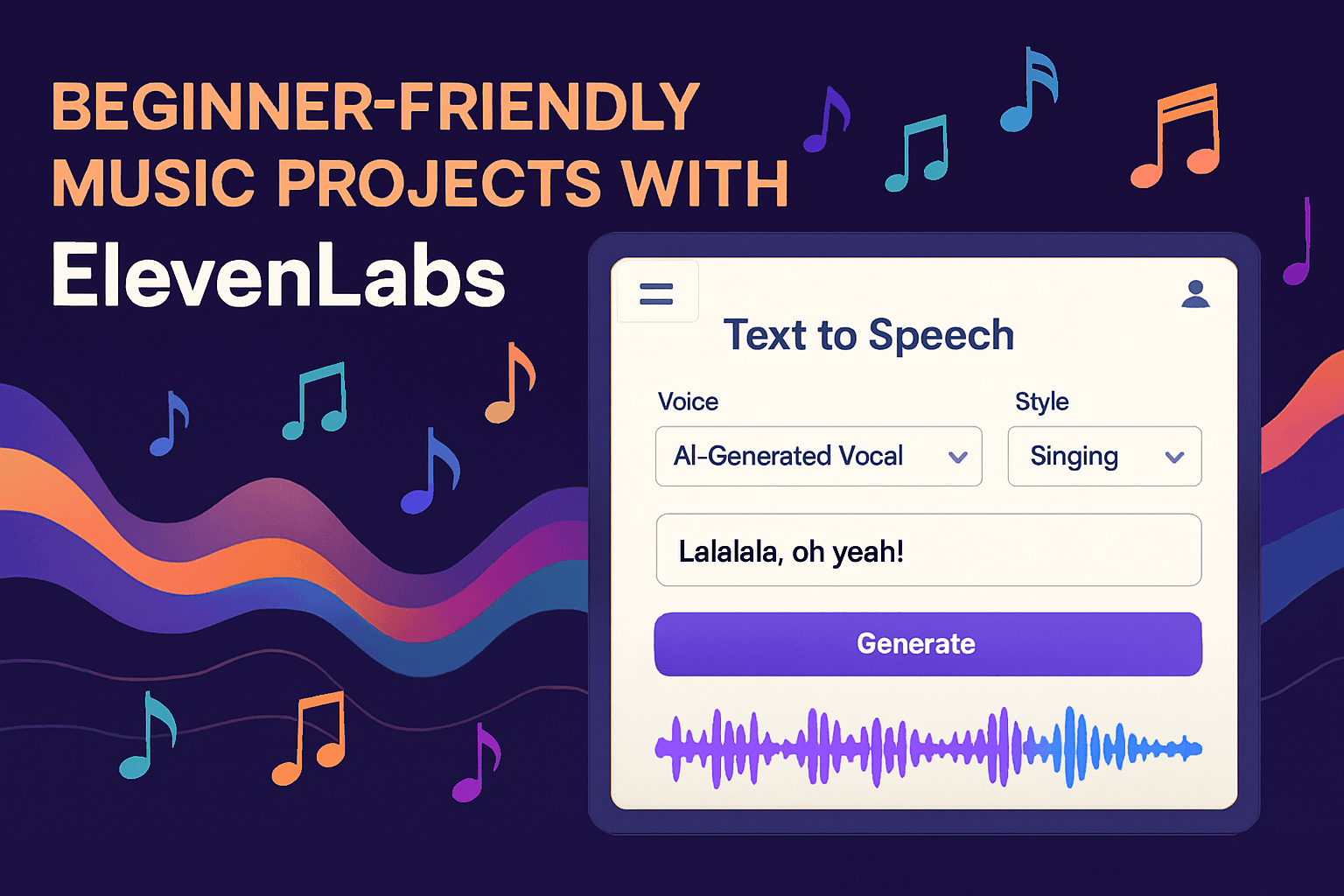
1. Create Vocals from Text
- Type lyrics into the Text to Speech tool.
- Choose a voice from the library — from soft and melodic to bold and dramatic.
- Adjust tone, emotion, and pacing to match your song’s vibe.
2. Voice Cloning for Custom Singing
- Clone your own voice or a unique character voice.
- Use it to sing your lyrics or harmonize with other AI voices.
- Great for solo artists, producers, or anyone without a mic setup.
3. Layer with Music
- Export the generated vocals.
- Mix them with instrumentals using any music editing software (like GarageBand or Audacity).
- You now have a full track — no studio needed!
🗣️ Other Cool Features to Explore
While music is a highlight, ElevenLabs offers much more:
🎧 Text to Speech
- Turn any written content into natural-sounding speech.
- Perfect for audiobooks, podcasts, or storytelling.
🧬 Voice Cloning
- Clone your voice or others (with permission).
- Use it for personalized narration or character creation.
🌍 Dubbing Studio
- Translate videos into 30+ languages.
- Keep the original speaker’s voice and emotion intact.
🎙️ Podcast Tools
- Clean up recordings with Voice Isolator.
- Generate entire podcast segments using AI voices.
📚 Audiobook Studio
- Upload your book (PDF or ePub).
- Assign voices to characters and direct the delivery.
🚀 How to Start
- Sign Up at ElevenLabs.io
- Choose a Tool — start with Text to Speech or Studio.
- Pick a Voice — explore the voice library or clone your own.
- Type Your Content — lyrics, stories, scripts, anything!
- Generate & Download — your audio is ready to use.
💡 Tips for Beginners
- Start with short texts to test voices.
- Use the “emotion” settings to add flair.
- Try mixing AI vocals with background music for a full sound.
- Explore the community for inspiration and examples.
ElevenLabs makes audio creation fun, fast, and accessible — no tech skills required. Whether you're making music, telling stories, or just experimenting, you're in for a creative ride.
Want help picking a voice for your next song? I’d love to help you brainstorm!
← More Posts
Thank you for reading!