imiage-to-image
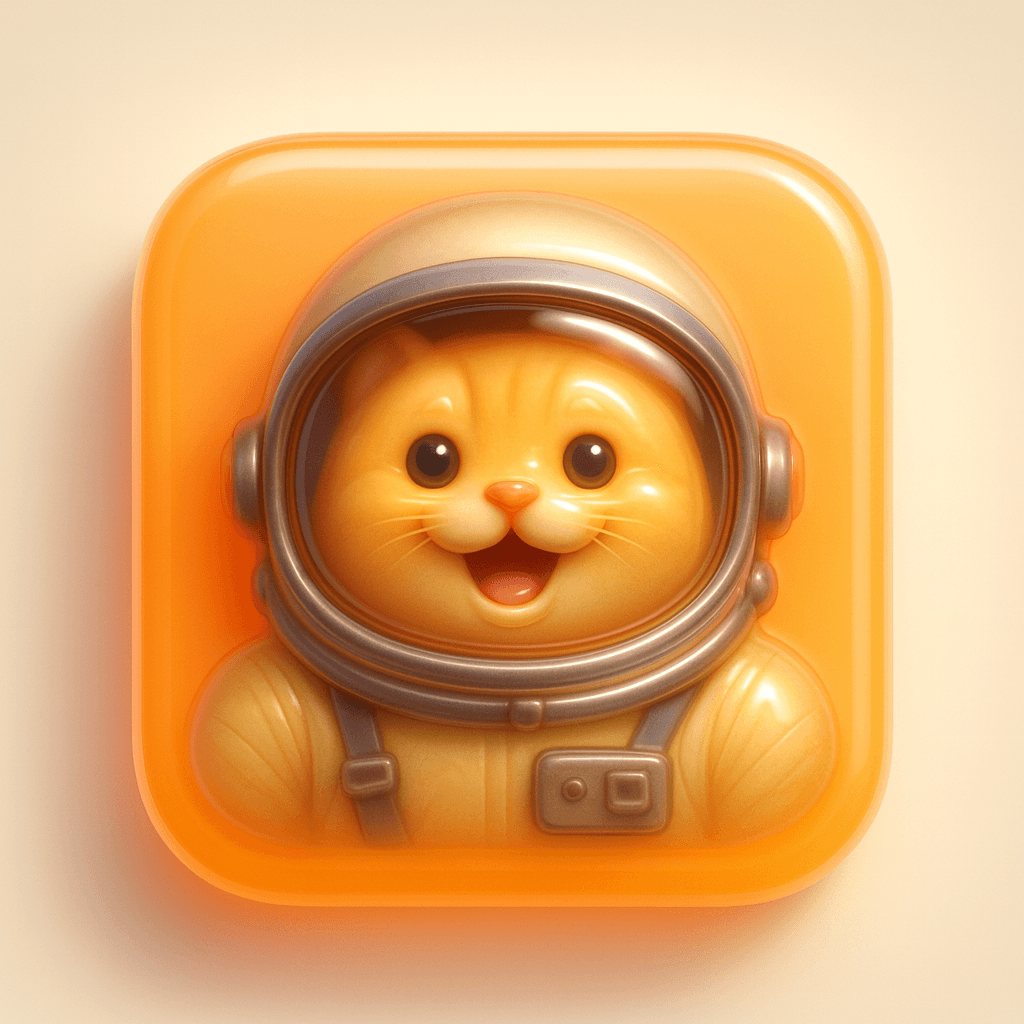
3D Jelly Icon
Published on •by DW
Transform this image into a 3D jelly icon style.

Style Definition: Overall Style: Jelly 3D Icon
Application Object: User-uploaded logo images or emojis

Base Design:
Shape: Rounded square
Material: Soft, semi-transparent jelly-like material
Color: Choose a color that contrasts strongly with the icon
Lighting Effect: Internal glow effect with a soft, outward gradient ambient shadow

Icon Design:
Material: Semi-transparent appearance with a jelly/glass texture, softly glowing from within
Color: Use brighter tones or brand colors, always maintaining the jelly glass texture
Depth: 3D extrusion effect with rounded edges and subtle shadow at the bottom
Position: Centered within the base with uniform inner margins on all sides

Rendering Settings:
Camera Angle: Front orthographic view, centered compositionLighting Effect: Studio-quality lighting with soft highlights from the upper left and directional shadows beneath the icon

Shadow Settings:
Style: Soft diffused bottom shadow with slight blur
Position: Directly beneath the icon, slightly offset downward
Opacity: 15%
Diffusion Range: Medium, consistent with other icons in the series

Output Specifications:
Background: Soft warm gray or pastel cream color, maintaining consistency
Size: 1:1 square ratio

Important Tips: Ensure that the lighting and shadow softness are consistent across the entire set of icons. Shadows should appear beneath and behind the icons with a soft blur—fully matching the Spotify, camera, and weather icon samples. Avoid harsh or overly sharp shadows. Use shadows and depth effects to emphasize clear separation between the icon and the base.
← More Prompts
Thank you for reading!